
A Clear, No-Nonsense Guide for iOS Users
So, you’ve heard about CapCut Pro. You’ve seen the talk—premium features, no watermark, advanced effects—and naturally, you want it on your iPhone.
Here’s the truth upfront:
You cannot install a CapCut file on an iPhone.
This guide will explain why, what your real options are, and how you can still get a powerful editing experience on iOS. No confusing jargon. No false promises. Just facts—and your next best steps.
What Is CapCut Pro?
Before we dive in, let’s clarify what we’re talking about.
- CapCut Pro is a modified version of the original CapCut app.
- It’s created by third parties, not by the app’s original developers (ByteDance).
- It offers unlocked premium features like:
- No watermark on exported videos
- Full access to effects and tools
- An ad-free editing experience
Why iPhones can’t use APK Files
Here’s where the road ends—at least for Mod APKs on iOS.
1. Different Operating Systems
- APK files are for Android, not iOS.
- iPhones use IPA files, and these are completely different in structure and security requirements.
- You can’t simply download a Pro and “make it work” on an iPhone. The systems don’t speak the same language.
2. No Sideloading Without Workarounds
- iPhones are locked down by design.
- Apple doesn’t allow users to install apps from outside the App Store—unless you use developer tools or third-party stores (which often get revoked).
- Even with tricks like AltStore, there is no reliable CapCut Mod IPA available for safe installation.
3. Security and Trust Issues
- Most modded files online are not verified.
- They can carry malware, backdoors, or tracking scripts.
- Installing them through workarounds means giving full access to your device—not something Apple takes lightly (or you should either).
So… What Can You Do on iPhone?
Here’s the honest and safe route: use the official CapCut app from the App Store.
It’s not a mod, but it’s still packed with features—and completely free to start with.
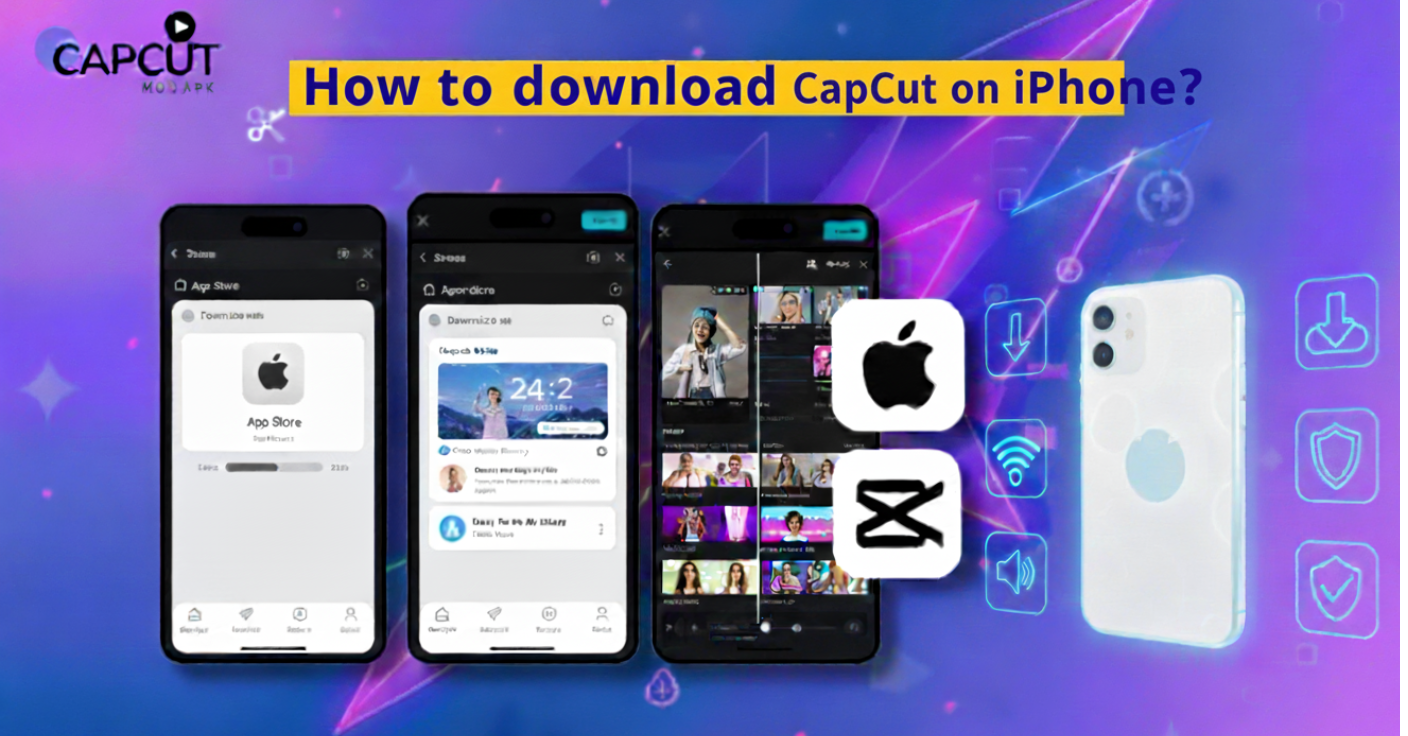
How to Install CapCut on Your iPhone (Official Version)
- Open the App Store.
Tap the blue icon with the white “A”. - Search for “CapCut”.
Use the search bar at the bottom. - Find the official app.
It’s listed under “CapCut – Video Editor” by Bytedance Pte. Ltd. - Tap “Get”.
Authenticate with your Apple ID, password, Face ID, or Touch ID. - Wait for the download to finish.
Once installed, tap “Open” and start editing.
That’s it. No profiles. No settings tweaks. No trust issues.
What’s Included in the Free Version?
Even without paying, CapCut for iOS offers:
- Video trimming, merging, and layering
- Text overlays and transitions
- A built-in music and sound library
- Basic filters and visual effects
- Social media-ready export formats
Yes, it includes a watermark. Yes, there are occasional ads. But it’s still one of the most powerful free editors available.
Want Premium Features?
CapCut offers in-app subscriptions. These give you access to:
- No watermark
- Premium visual effects and transitions
- Extra filters, templates, and audio
- Advanced tools for creators
- Cloud backup options
CapCut Pro Pricing (As of June 2025):
| Plan | Features | Price |
| Monthly Subscription | Full access, great for testing | $7.99/month |
| One-Month PRO | One-time 30-day access | $9.99 |
| One-Year PRO | Best value long-term | $74.99 |
| Cloud Space | Store your videos online | $1.99/month |
It’s not free—but it is smooth, reliable, and perfectly optimized for iPhones.
Still Thinking About a Mod Version?
If you’re searching for “CapCut Mod APK for iOS,” you’ll find plenty of promises. But here’s what you should know:
The Risks Are Real
- You won’t find a genuine IPA version of the CapCut Pro 2025.
- Most download links are fake or stuffed with ads.
- Installing from unknown sources can:
- Compromise your privacy
- Damage your phone’s performance
- Void your Apple warranty
Profiles Get Revoked
- Services like TweakBox, AppValley, and Panda Helper sometimes offer modded apps.
- But Apple often revokes these profiles—meaning your app crashes or disappears after a few days.
You Could Lose Your Work
- Modded apps aren’t updated like App Store versions.
- Your edited videos could vanish or become unexportable if the app crashes or becomes unsupported.
Alternatives to CapCut Mod on iPhone
So you’ve realized CapCut Mod APK isn’t going to happen on iPhone—and that’s perfectly okay. You’ve got plenty of powerful, safe, and polished alternatives right at your fingertips. No hacking, no shady links—just clean downloads from the App Store.
Here’s a closer look at the top three video editing apps for iOS that rival CapCut:
🔸 InShot – The Social Media All-Rounder
Perfect for: Quick edits, Instagram Reels, TikToks, YouTube Shorts
InShot is like your favorite pair of jeans—casual, comfy, and surprisingly versatile. Whether you’re trimming a vlog, adding trendy music to a reel, or posting a quick tutorial, InShot delivers without fuss.
Key Features:
- Easy-to-use timeline with drag-and-drop controls
- Trim, cut, merge, and split videos in seconds
- Add music, voiceovers, and sound effects
- Supports multiple aspect ratios (9:16 for TikTok, 1:1 for Instagram, etc.)
- Built-in filters, transitions, and animated stickers
Watermark:
- Yes, but you can remove it with a small one-time purchase or subscription
Pros:
- Ideal for beginners
- Extremely fast exports
- Regular updates and trendy effects
Cons:
- Fewer advanced tools for precision editing
- Occasional ads in the free version
🔸 VN Video Editor – The Free Powerhouse
Perfect for: Creators who want more control without spending a penny
VN (short for VlogNow) is a hidden gem in the editing world. It’s loaded with pro-grade features—and unlike many apps, it’s truly free with no watermark. That’s right—no sneaky surprises at the end of your edit.
Key Features:
- Multi-layer editing with keyframes (for advanced users)
- Full control over video speed (slow-mo or time-lapse)
- Advanced text animations and subtitles
- Audio timeline with multiple tracks and syncing options
- LUT filters for cinematic color grading
Watermark:
- None, even in the free version
Pros:
- Outstanding feature set for a free app
- No paywalls for basic tools
- High-quality exports with 4K support
Cons:
- Slight learning curve for new users
- The interface can feel a bit “Android-style” on iOS
🔸 LumaFusion – The iMovie on Steroids
Perfect for: Filmmakers, YouTubers, and serious mobile editors
LumaFusion is what professional video editors use when they’re working entirely from an iPad or iPhone. It’s a one-time purchase, not a subscription, and gives you access to a world-class editing suite—right from your pocket.
Key Features:
- Multi-track timeline (up to 6 video & 6 audio tracks)
- Advanced transitions, chroma key (green screen), and audio mixing
- Powerful color correction tools
- Frame-by-frame editing and speed ramping
- Project sharing with Final Cut Pro and external drives
Watermark:
- None
Pros:
- Near-desktop-level editing on mobile
- No recurring costs—pay once and you’re done
- Great for full YouTube videos, documentaries, or music videos
Cons:
- Pricey upfront (around $30–40)
- Not ideal for casual users or social-only content
Which One Should You Choose?
| App | Best For | Watermark? | Cost | Ease of Use | Power |
| InShot | Social media content | Yes (removable) | Free / Low-cost | ⭐⭐⭐⭐⭐ | ⭐⭐⭐ |
| VN | Free pro-style editing | No | Free | ⭐⭐⭐⭐ | ⭐⭐⭐⭐ |
| LumaFusion | Professional video work | No | Paid (one-time) | ⭐⭐⭐ | ⭐⭐⭐⭐⭐ |
If you’re starting and want something quick and stylish, InShot is a great go-to.
If you want serious features without spending a dime, VN Video Editor is the winner.
But if you’re planning to edit full videos or work professionally from your iPhone or iPad, LumaFusion is worth every penny.
Conclusion: What’s the Smartest Choice?
If you’re using an iPhone and want to edit videos with power and style:
- Avoid shady Mod APK downloads.
- Use the CapCut app from the App Store.
- Upgrade to CapCut Pro for premium features.
No, it’s not free like the Mod APKs for Android—but it’s clean, stable, and most importantly, safe.
Sometimes the best magic doesn’t come from bending the rules, but from using the right tools with purpose.
Recap: Your iPhone Video Editing Options
| Option | Safe? | Watermark-Free? | Cost |
| CapCut Mod APK | ❌ Not supported on iOS | ✅ But risky | Free (on Android only) |
| CapCut from App Store | ✅ Yes | ❌ (unless upgraded) | Free |
| CapCut Pro (Subscription) | ✅ Yes | ✅ Yes | Paid |
| Alternative apps (e.g., VN, InShot) | ✅ Yes | Depends | Free or Paid |